The tool
Hotel shift log software
The handover between the morning, evening and night teams, kept in an app instead of a notebook left on the counter.
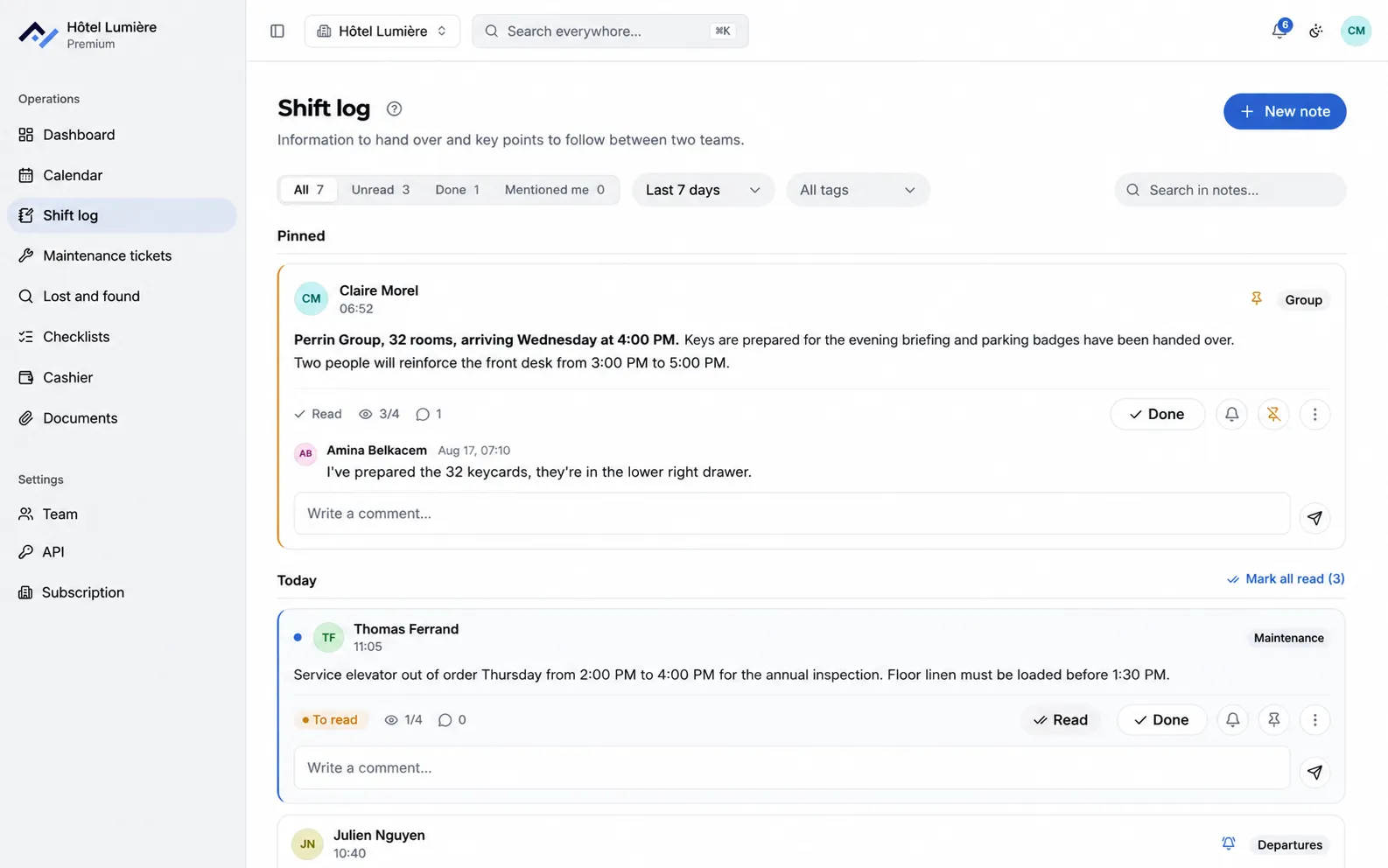
The front desk’s daily log and housekeeping’s logbook in one place. Every note carries the time and the name of whoever wrote it, the whole team reads it from a computer or a phone, you know who’s read it, and you can find it again through search months later.
Free with no time limit on the shift log, with the last 7 days of history and one account per person.
Prefer to start on a spreadsheet? Download our shift log template, free and with no sign-up.
The handover, sorted once and for all
No more notebook on the counter and messages scattered across phones. Your notes travel between all three teams, in one place.
You know who’s read it
Every note shows by name who has read it and who hasn’t yet. A shift starts with what’s still unread.
Everything is findable
A single search brings back what was said about a room, a guest or a supplier, even months later.
Information stays with the property
Notes belong to the hotel, not to personal phones. They stay in place when someone leaves.
What you do with it during a shift
All of it works from the front desk as much as from a corridor, on computer or on phone.
Write a note during a shift
The note carries the time and the name of whoever wrote it, with nothing to type by hand. Important notes get pinned to the top of the list, and ones that run over several days stay visible until they’re done.
Know who’s read it
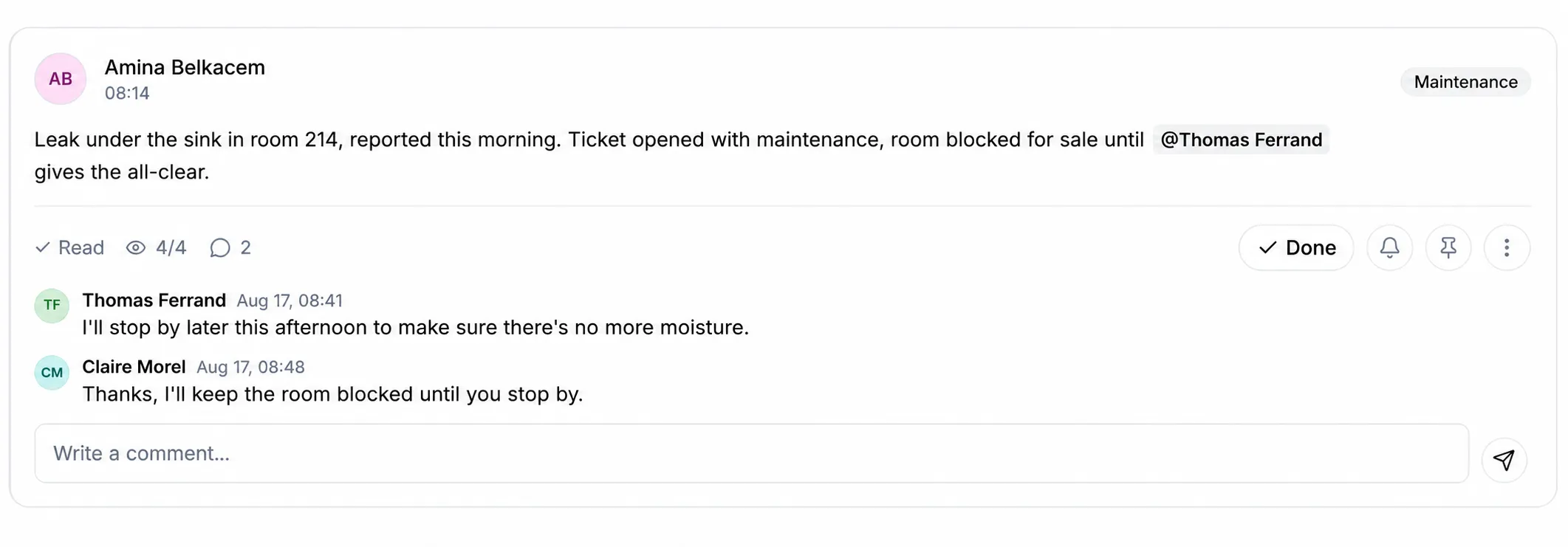
The "Read" button: every note shows who has read it and who hasn’t yet. A filter shows what’s still unread.
Mention the person concerned
Name someone in a note and they’re notified, even if their shift starts eight hours later. Comments stay attached to the note, instead of getting lost in a conversation.
Schedule a reminder for the right time
A note written the evening before reappears at the time someone needs to act on it, on screen for the people it’s assigned to and with a notification. A "Done" closes it for the whole team, and the reminder can be snoozed a few minutes when the timing is off.
Tag and filter
Tags created by the team, filters by date range, and the option to attach photos or PDFs to a note: a supplier’s contact sheet, a room floor plan, a photo of some damage.
History and tracking
Know who wrote what, and when. A single search sweeps through notes and every other tool, and edits show up in the note’s activity log.
On the front desk computer as much as in housekeeping’s pocket
The shift log opens in the browser, nothing to install, and can be added to a Mac or PC desktop to open like a regular app. Teams that aren’t behind a counter use the Android and iPhone apps.
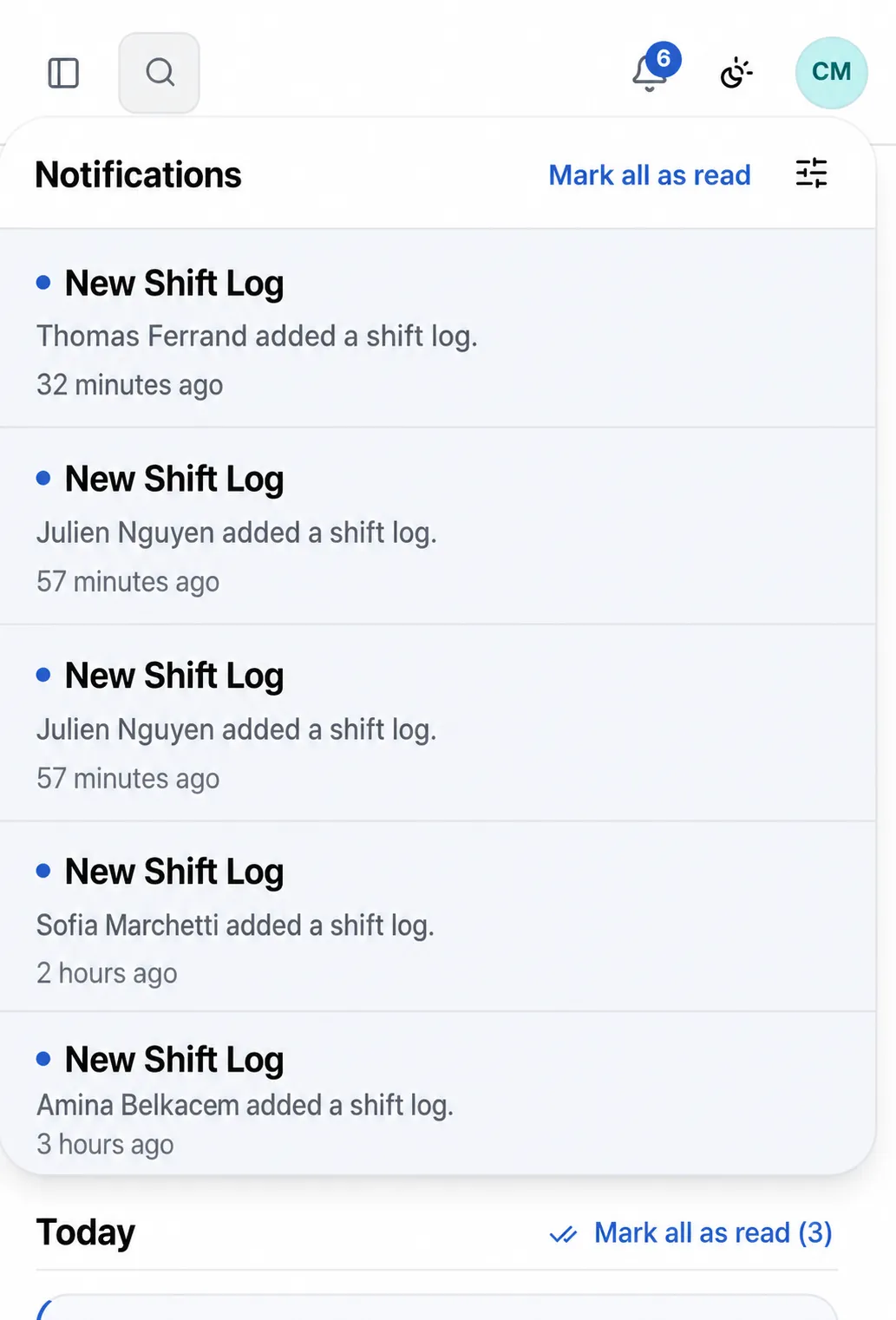
An urgent note or one that mentions you triggers a notification on your phone and computer, even when the app is closed. Everyone sets what they receive, and someone marked as away isn’t disturbed: whatever was addressed to them waits until they’re back.
Free, with no time limit
The shift log is the only tool Front Desk leaves open without a subscription. It isn’t a trial version: it’s the free plan, and it doesn’t ask for a card.
- The shift log, with the last 7 days of history.
- Unlimited accounts, on every plan, so everyone writes under their own name.
- The 6-month trial gives access to every other tool, then the property drops back to the free plan on its own, nothing to do.
Questions about the shift log
How long are notes kept?
With no limit. On the free plan, the team sees the last 7 days; with a subscription, the full history. Older notes aren’t deleted either way: they’re just out of reach of the free plan, and come back intact the day the property subscribes.
Who can edit or delete a note?
Everyone can correct what they wrote, and a property manager can act on any note. Every entry carries its author’s name and the time, and the note’s activity log keeps a record of what was done: that’s what lets you rely on it in case of a dispute.
Can you tell if a note has actually been read?
Yes. Every note shows by name who has read it and who hasn’t yet. Someone named in a note gets a notification on their phone and in their browser, even if their shift starts several hours later.
What do hotels call a shift log?
Hotels use several names for the same running record: shift log, daily log, front desk log or hotel logbook. The shift handover is the moment when the incoming team reads that record and takes over what remains open.
Does this replace the team group chat?
That’s the most common use at the start. The difference comes down to three things: the tool belongs to the property, not to personal phones; it can be switched off at the end of a shift; and what’s written in it stays findable after the person who wrote it has left.
Tonight’s handover could already happen in it
Create your property, invite your team, and the evening team opens its shift log when they clock in. 6-month free trial on every tool, no card required.