Launch offer. We’re opening Front Desk to hotels internationally, from Germany and the United Kingdom to the United States and Australia: 6-month free trial on every tool, no card required. After that, the shift log stays free for good, with no time limit.
Over 8 years, we have supported more than 500 hotels
A day with Front Desk
From clocking in to closing the till, what the team does and the tool they open.
Front desk opening
Cash float counted
Night shift notes read
Breakfast room opened
6:45am
Checklists
Starting the shift
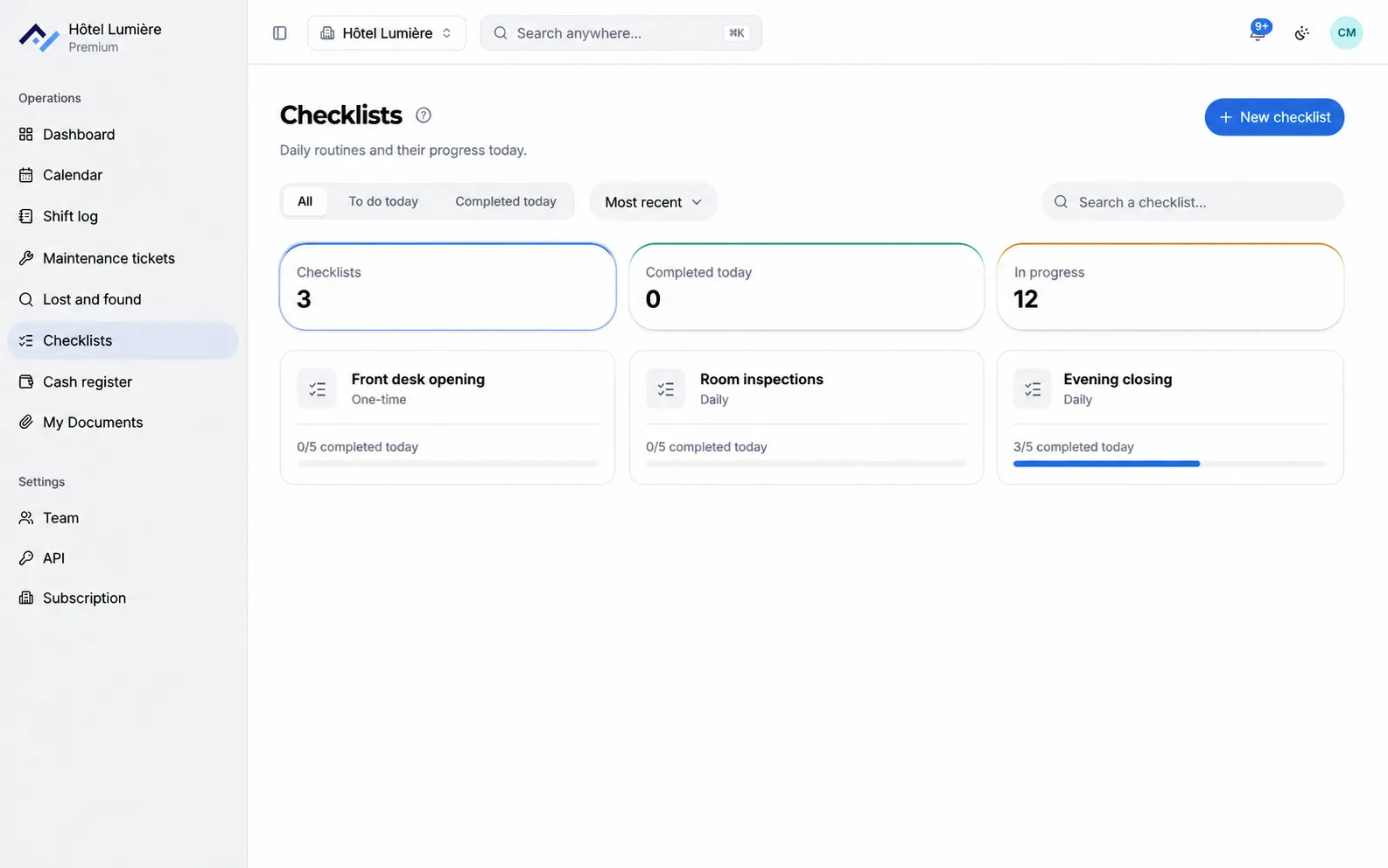
The morning team opens the opening checklist on the front desk computer. Each completed task is timestamped and signed by the person who did it.
Room 214
Urgent
Leak under the sink
In progress
8:10am
Maintenance tickets
A leak in room 214
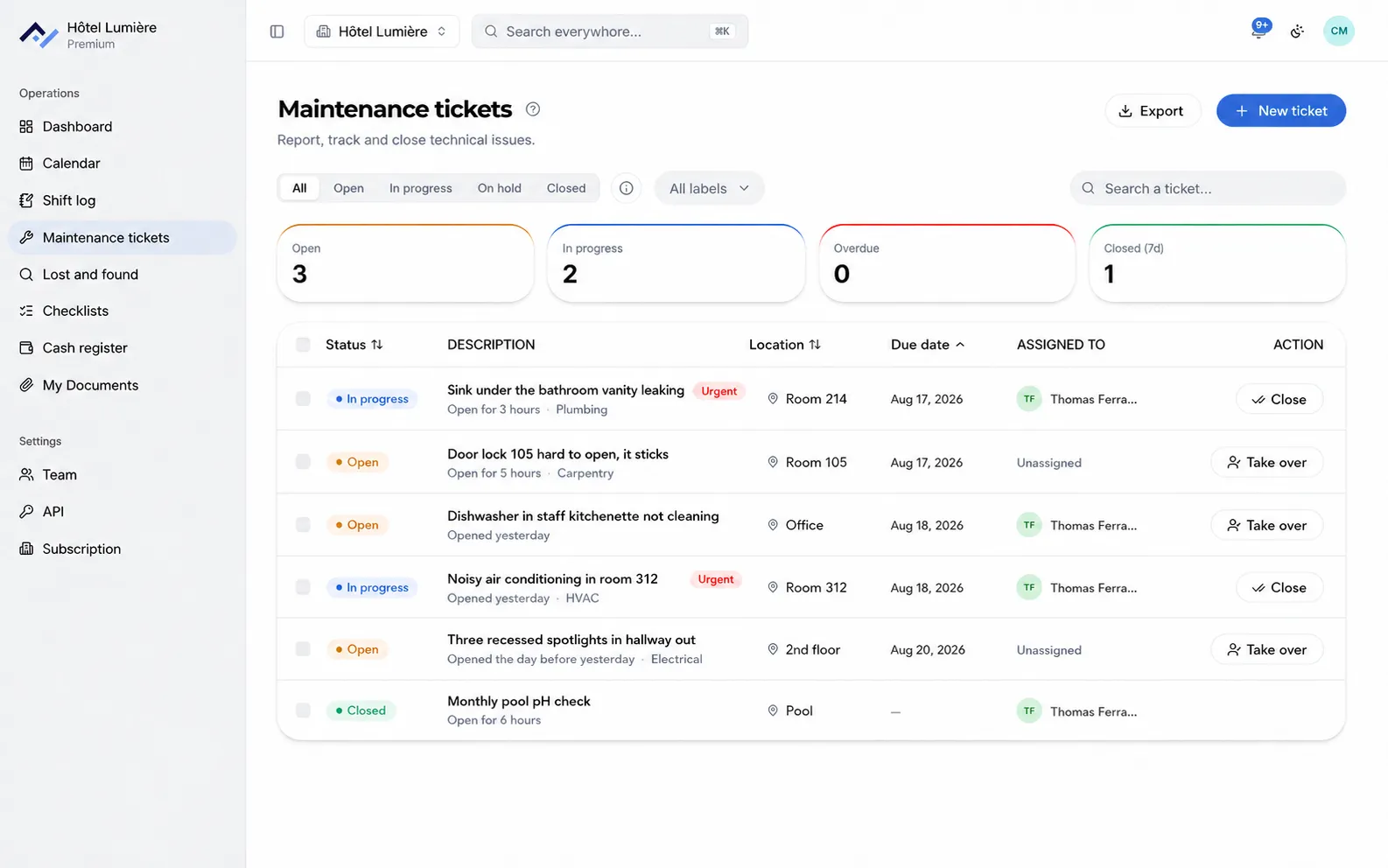
The receptionist reports the leak with a photo. The maintenance manager marks it as urgent, then logs when the repair is done.
Lost and found
Phone charger
Room 108, floor 1
In storage
11:30am
Lost and found
A charger left behind in 108
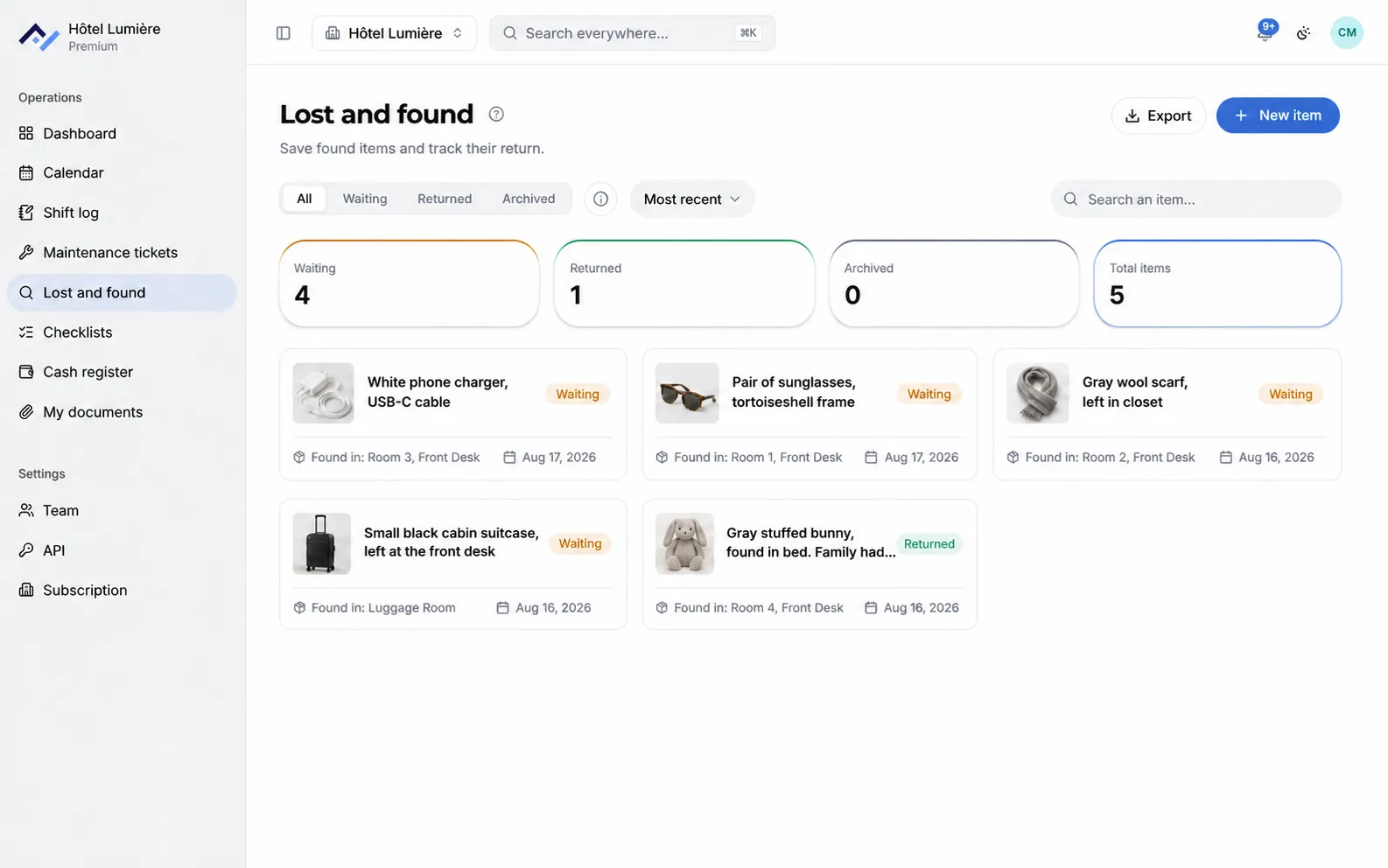
Housekeeping logs the item, its photo and the room number. That evening, when the guest calls back, the front desk finds it in a few clicks.
R
Morning front desk
2:52pm
The guest in 312 arrives after 10pm, let the night shift know. Invoice to combine with 311.
Read by 4 of 6 peopleRead
3pm
Shift log
The handover
The morning team wrote their notes throughout the shift. The evening team reads them when they clock in, with the time and the name of whoever wrote each one.
Tomorrow
Whole team
Linen delivery
2:00pm, every week
Group arrival
5:00pm, 32 rooms
6:20pm
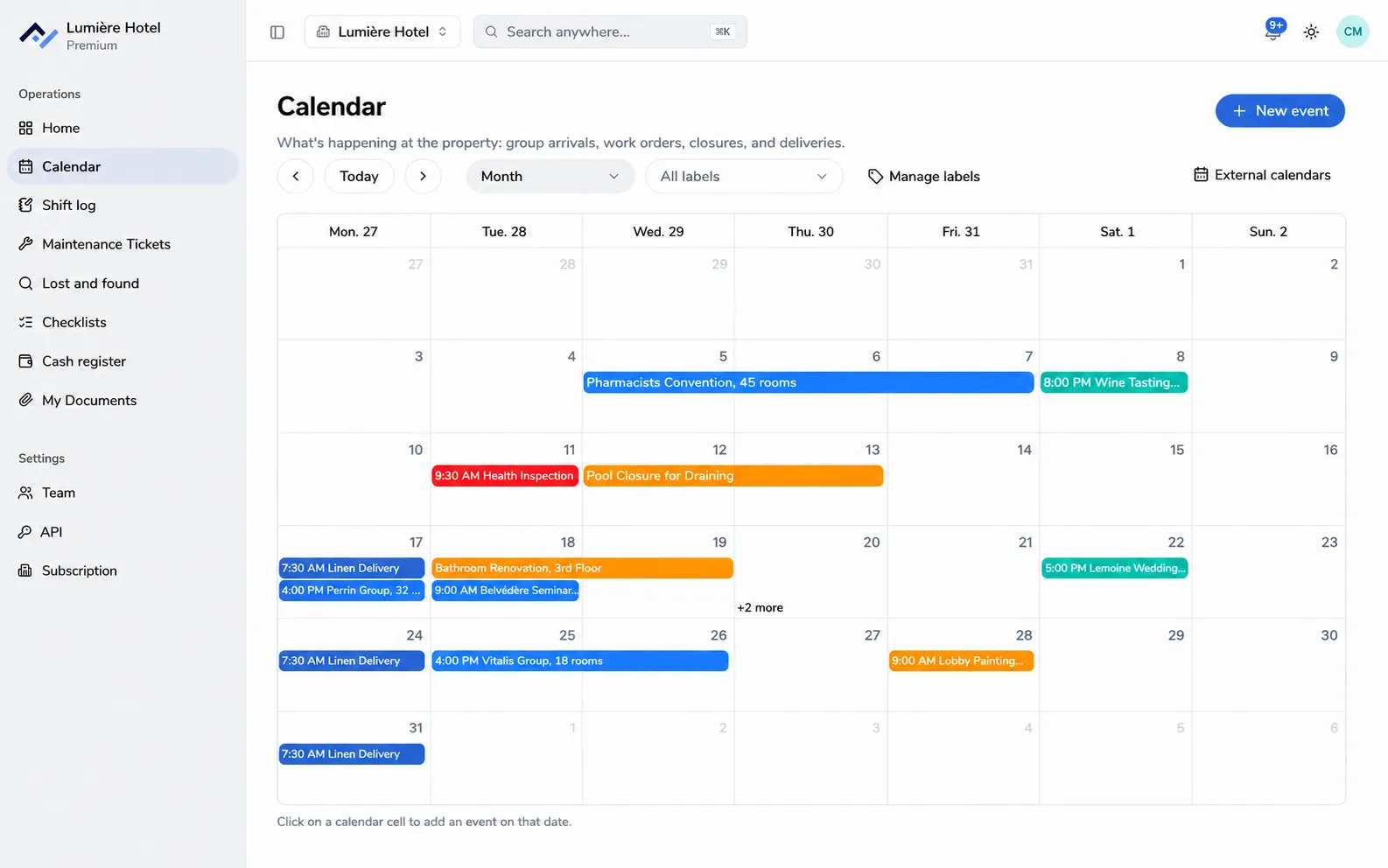
Calendar
Tomorrow’s group
The arrival of a 32-room group is added to the shared calendar. Housekeeping, maintenance and breakfast all see it at the same time.
Evening close
Expected in till
€1,560.50
Counted
€1,558.00
Variance
−€2.50
11pm
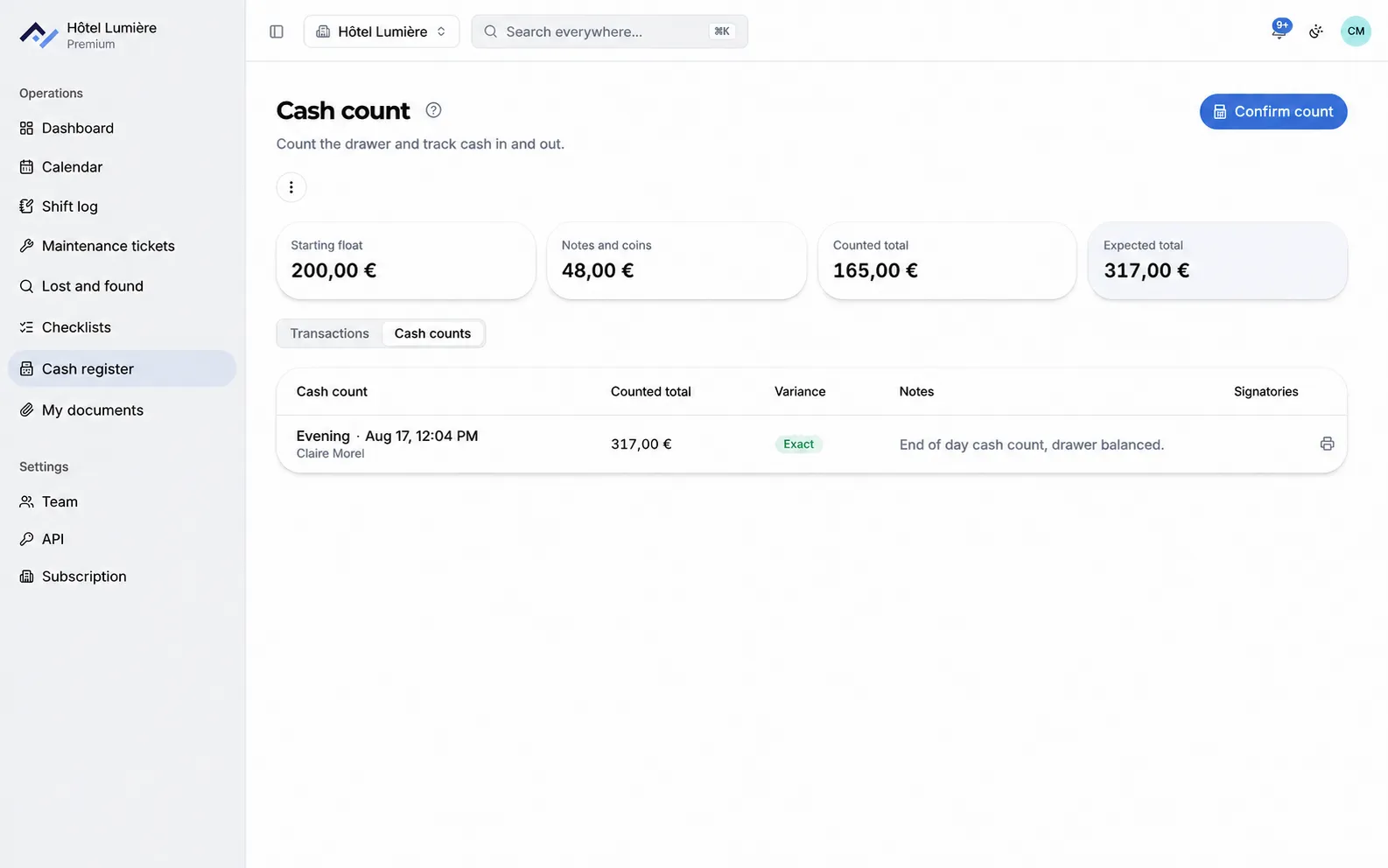
Cash register
Closing the till
The cash count sheet is filled in and checked before clocking out, then kept on file with its variance and signatories.
Seven tools, one app
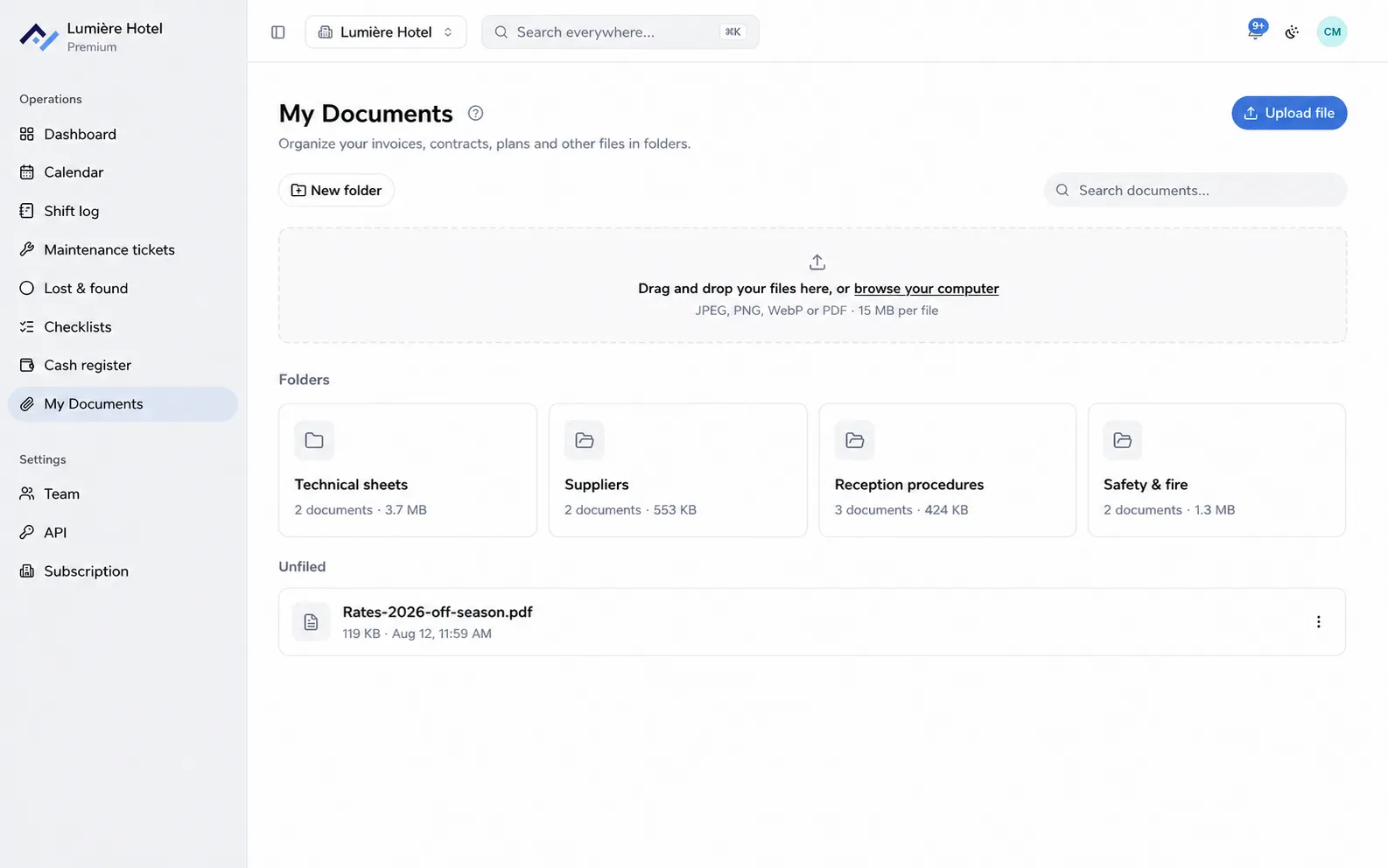
Five to choose from, the calendar and documents included. All in the same app, with the same accounts.
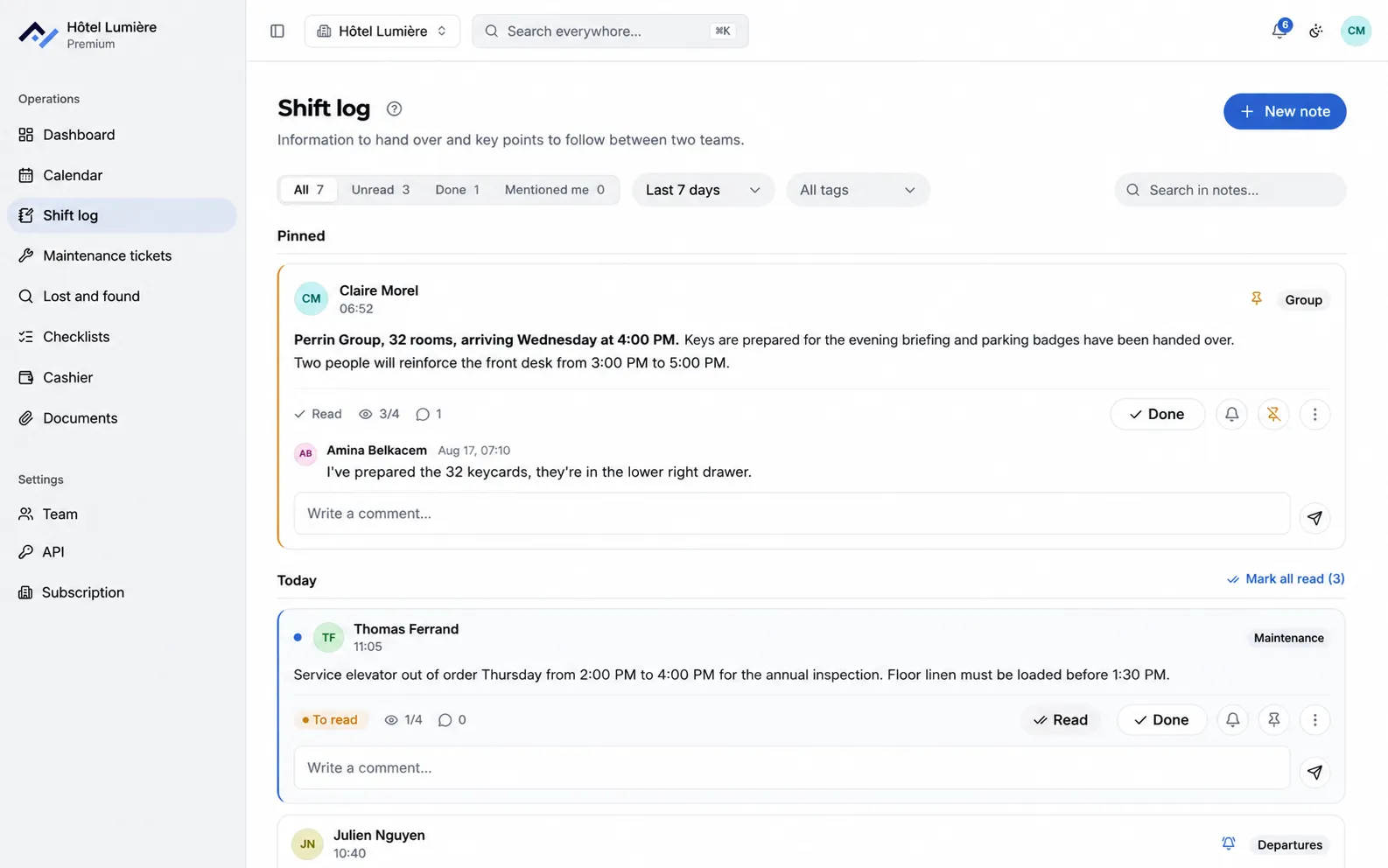
The day’s information in one place, timestamped and signed. It’s the front door of the app, the screen the team opens as soon as they arrive.
Shift log
The "Read" button: every note shows who has read it, and who hasn’t yet.
Mentions: name someone and they’re notified, even if their shift starts eight hours later.
Comments, attached to the note itself rather than lost in a chat thread.
Tags, filters by date range, and a filter for what’s still unread.
One search bar that looks across every tool at once.
Adjustable notifications
On your phone and in the browser. For each tool: everything, just what concerns me, or nothing.
Time off
Someone on leave isn’t notified, and the team can see who’s in.
Unlimited accounts
One account per person, with no effect on the price.
History and tracking
Know who did what, and when. Everything is kept and searchable.
Front Desk in your AI assistant
Connect ChatGPT, Claude or Codex in one click. It reads your shift notes and tickets, and can also create them, always under the name of the person connected.
Wherever your teams work
The front desk has a computer, housekeeping has a phone. Front Desk is the same tool on both.
At the front desk, on your computer
Front Desk opens in the browser, nothing to install. You can also add it to a Mac or PC desktop to open it like a regular app.
On the floors, on a tablet or phone
Native iOS and Android apps, or a version that installs straight from the browser. Housekeeping and maintenance report from the corridor, not from a desk.
Notifications reach you on the devices you already use, on iOS and Android, even when the app is closed. Everything else waits until the next shift starts.
Clear pricing
You only pay for the tools you turn on, from €29 for one tool to €89 for all five, excluding tax, per month and per property.
From €26 excl. VAT/month with annual billing. At the end of the trial, you keep the shift log and its last 7 days, for free and with no time limit.
It’s the register kept at the front desk to hand information from one shift to the next, also called a shift handover or a shift log. Front Desk keeps it in an app instead of a paper notebook: every note carries the time and the name of whoever wrote it, the whole team reads it from a computer or a phone, and you can find it again through search months later. Nothing gets lost when a notebook fills up or someone leaves.
Do I need to install anything?
No, not necessarily. Front Desk opens in the browser, on computer, tablet and phone. There are also Android and iPhone apps, and you can add it to a Mac or PC desktop to open it like a regular app.
How is the team notified?
By a notification on their phone and in the browser, even when the app is closed, and by the bell inside the app. Everyone sets, tool by tool, whether they want to receive everything, just what concerns them, or nothing. Someone marked as away isn’t disturbed: whatever was addressed to them waits until they’re back.
Can you schedule a reminder on a note?
Yes. A note written the evening before is set for the time someone needs to act on it. At that time, it reappears on screen for the people it’s assigned to and triggers a notification. A "Done" closes it for the whole team, with the name and time, and the reminder can be snoozed a few minutes when the timing isn’t right.
Where is our data hosted?
In France, in Paris, with the French hosting provider Scaleway. Front Desk is developed in Bordeaux. Your property’s data and your guests' data stay on these servers, and the short list of outside services we use is published in our privacy policy.
How much does Front Desk cost?
You only pay for the tools you use: from €29 for a single tool to €89 for all five, excluding tax, per month and per property. Paying annually or seasonally takes 10% off, which comes to €26 excl. VAT/month for a first tool, and each property from the second one onward gets a further 15% off. The 6-month trial is free and doesn’t ask for a card. The full breakdown, tool by tool, is on the Pricing page.
What happens at the end of the trial?
Without a subscription, your property switches to the free plan: the shift log stays open to the whole team, with the last 7 days of history, and the number of accounts stays unlimited. The other tools close, notifications and the mobile apps stop, but everything is kept and comes back intact the day you subscribe.
Does Front Desk replace my property management system (PMS)?
No, the two don’t do the same job. Your PMS handles rooms, bookings and billing. Front Desk handles what your teams pass on to each other day to day: shift notes, incidents, procedures, lost property and cash counts.
Is Front Desk available in English and French?
Yes. Both the website and the application are available in English and French, so an international team can use the same property space in the language that suits each person.
Can I use Front Desk from ChatGPT, Claude or Codex?
Yes. Front Desk connects to ChatGPT, Claude and Codex in one click, with no key to create or paste. Once connected, the assistant can read your shift notes and maintenance tickets, and also create or comment on them: every action keeps the name of the person who connected the assistant, and nothing can be deleted through this connection.
What support is there if something goes wrong?
Monday to Saturday, 9am to 7pm. Response within 48 hours, within 24 hours for Premium properties under contract. You write to hello@frontdesk-app.com and someone from the team answers.
Open your Front Desk today
Create your property, invite your team and open your shift log right after. 6-month free trial, no card required.